
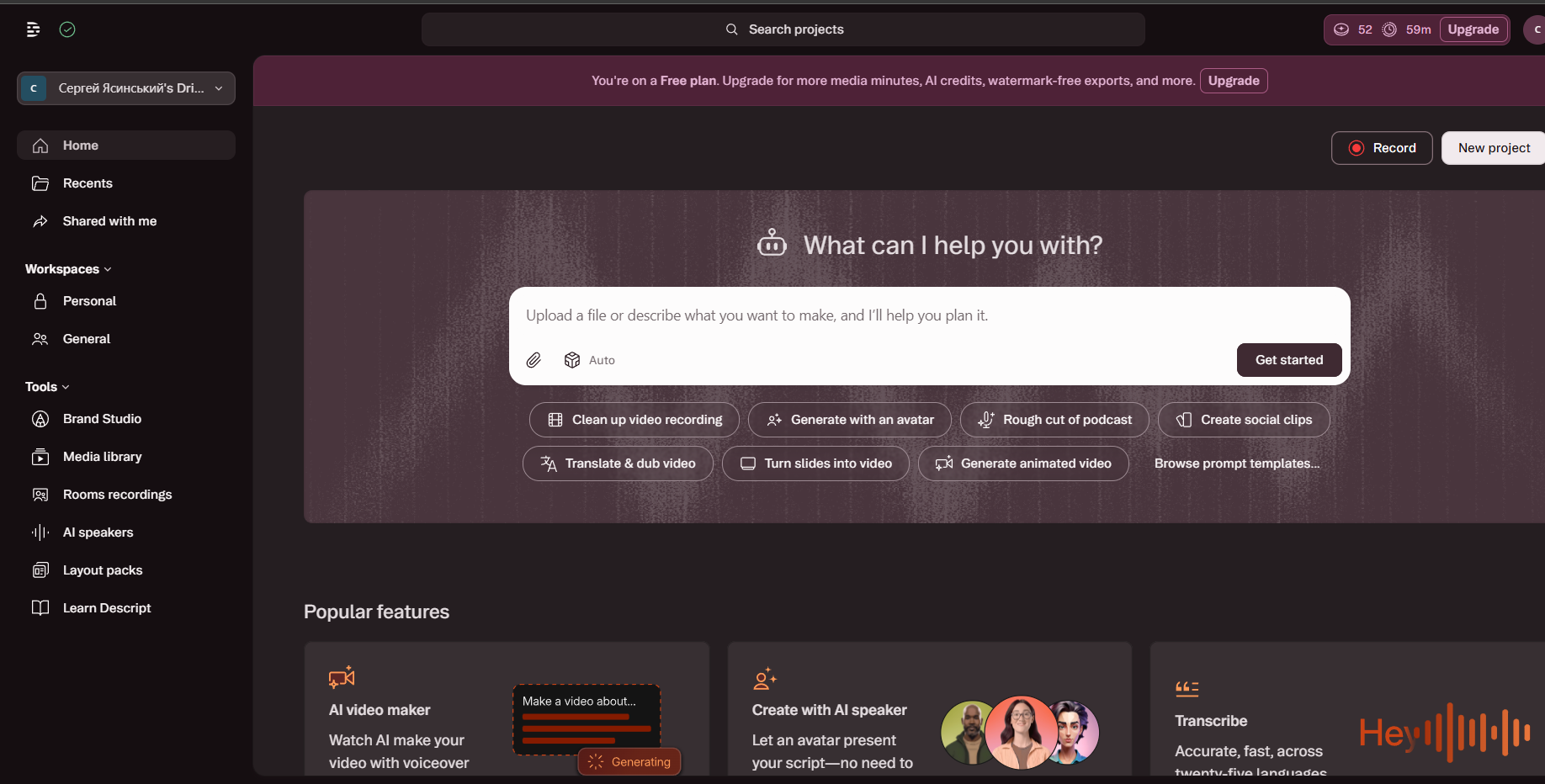
What Descript is
Descript transcribes your video and lets you edit the video by editing the text. Delete a sentence in the transcript and it disappears from the recording.
This sounds like a gimmick until you use it on a two-hour podcast, at which point it stops being a feature and becomes the reason you use the tool.
Plans and pricing
| Plan | Monthly | Yearly (per month) | Media hours/mo | Resolution |
|---|---|---|---|---|
| Free | $0 | $0 | ~1 hour | 720p, watermarked |
| Hobbyist | $24/mo | $16/mo | 10 hours · 400 AI credits | 1080p export, no watermark |
| Creator | $35/mo | $24/mo | 30 hours · 800 AI credits | 4K, no watermark |
| Business | $65/mo | $50/mo | 40 hours · 1,500 AI credits | Brand Studio, priority support and team collaboration |
| Enterprise | Custom | Custom | Custom | Advanced security and support |
Media hours count uploaded and recorded media, whether or not it is transcribed; AI credits are spent on features like Underlord, Studio Sound and AI-generated media and avatars. Creator and Business let you buy extra credits.
The media hours limit is the number to check before subscribing. Ten hours a month sounds like plenty until you factor in re-uploads and multiple versions.
The three features that justify it
Text-based editing. The core idea, and it works. Cutting a rambling answer from an interview takes seconds instead of scrubbing a timeline.
Filler word removal. One click strips every “um”, “uh” and “you know” across an entire recording. For anyone publishing unscripted audio, this alone saves hours per episode.
Studio Sound. Takes a recording made in a normal room and makes it sound close to a treated studio. Not magic on truly bad audio, but the improvement on ordinary audio is substantial.
Overdub deserves a mention too: it generates your cloned voice to fix a misspoken word, so you correct a mistake by typing rather than re-recording.
The honest problem
Performance. This is the most consistent complaint from users and it is fair: Descript can be slow and unstable on long projects, and for a tool people use on multi-hour recordings that is not a small issue.
It is also not a Premiere replacement. Complex edits, colour work, layered effects and precise timing are not what it is for, and trying to use it that way will frustrate you.
Who Descript is for
Podcasters and spoken-content creators: text-based editing and Studio Sound save hours versus a traditional timeline.
Beginners with no editing experience: the learning curve is much lower than Premiere’s or DaVinci Resolve’s.
Teams recording tutorials or webinars: automatically removing filler words and silences speeds up post-production.
Not recommended if: you work on very long or heavy video projects (crashes and slowness are the most repeated complaint), need advanced color grading and effects, or depend on reliable transcription in a language other than English.
What users say
G2 reviews (over 860, with a high average around 4.6) mostly praise ease of use and how the text-based editing workflow feels revolutionary coming from a traditional editor.
On Trustpilot, though, the score drops to around 3.0 out of 5, and the complaint pattern is consistent across Reddit, G2 and Trustpilot: stability. Users with powerful hardware (Apple M4, RTX 3060, 32GB RAM) report multi-second freezes on basic operations, general slowness and lost work on long projects. Transcription is another recurring friction point: it struggles with proper names, technical jargon and multi-speaker audio, forcing manual line-by-line correction. Complaints about export render times running longer than expected also come up repeatedly.
Descript vs CapCut vs Adobe Premiere
| Descript | CapCut | Adobe Premiere | |
|---|---|---|---|
| Entry price | $24/mo (Hobbyist) | Free, $9.99/mo Pro | $22.99/mo |
| Text-based editing | ★★★★★ | ★★☆☆☆ | ☆☆☆☆☆ |
| Performance and stability | ★★☆☆☆ | ★★★★☆ | ★★★★☆ |
| Complex editing | ★★☆☆☆ | ★★★☆☆ | ★★★★★ |
| Learning curve | ★★★★★ | ★★★★☆ | ★★☆☆☆ |
Verdict
Descript is excellent for one specific kind of work: spoken-word content. Podcasts, interviews, talking-head video, course material. If that is what you make, the filler word removal and transcript editing pay for the subscription in saved hours.
For anything else, it is the wrong tool. CapCut is free and better for short social video; Premiere is the answer for real editing.
Try the free tier first. One hour of media is enough to edit a single episode and find out whether the workflow clicks, which it either does immediately or never does.
👉 The best AI video generators in 2026
👉 ElevenLabs vs Descript vs Synthesia: which to choose
Community rating
Affiliate link - no extra cost to you