
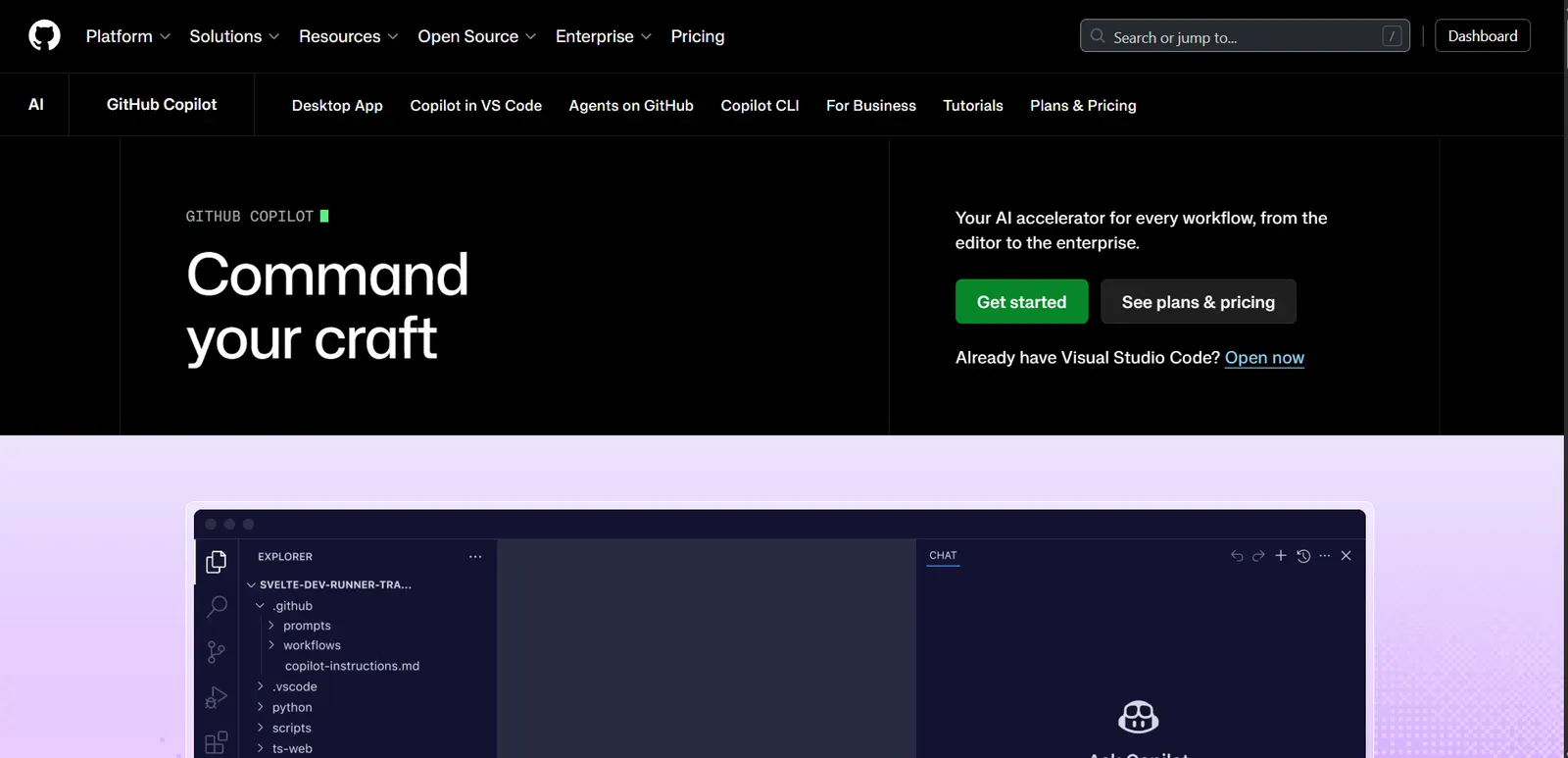
What is GitHub Copilot?
GitHub Copilot is the most widely adopted AI coding assistant in the world. Built by GitHub and Microsoft, it lives inside the editor you already use and suggests code as you type - from completing a single line to writing an entire function from a comment.
In 2026 it holds roughly 42% market share among paid AI coding tools, with more than 50 million users. That scale is its real advantage: it’s the option with the least friction, because it works everywhere and behaves predictably.
Plans and pricing in 2026
| Plan | Price | Who it’s for |
|---|---|---|
| Free | $0 | Occasional use, with monthly completion and chat limits |
| Pro | $10/mo | Individual developers - the tier most people buy |
| Pro+ | $39/mo | Heavy users who want the frontier models and more agent runs |
| Max | $100/mo | Very heavy agentic use |
| Business | $19/user/mo | Teams, with policy management |
| Enterprise | $39/user/mo | Organizations needing knowledge bases and audit trails |
Two things worth knowing. The free tier is real, not a trial - it renews monthly, which is unusual in this category. And Copilot is free for verified students, teachers and maintainers of popular open source projects, which is the single best deal in AI-assisted coding if you qualify.
The unified Copilot app: a change worth watching
Microsoft has been consolidating Copilot into a single application rather than a set of separate products. If you’re an existing user, this matters practically: features and entry points have moved, and some workflows you had set up may now live somewhere else.
The upside is that the coding assistant, chat and agent modes stop being separate things you have to switch between. The downside is that a product used by 50 million people changing shape mid-year produces real friction, and the complaints about it are legitimate.
Where Copilot is strongest
It works everywhere
Native extensions for VS Code, JetBrains IDEs, Neovim and Visual Studio. No other assistant covers this much ground. If your team uses different editors, Copilot is the only choice that doesn’t force anyone to switch.
Repository-wide context
Copilot reads beyond the file you’re in, using the surrounding codebase to make suggestions that match your existing patterns, naming and structure. This is where it improved most over the past year.
Model Context Protocol support
Copilot supports MCP, the standard Anthropic introduced that has become the default way to connect external tools to AI assistants. In 2026, Cursor, Claude Code, Copilot and Windsurf all support it, which means the tooling you build around one assistant is increasingly portable to the others.
Speed
Suggestions appear essentially instantly. For the core loop of writing code, Copilot is the fastest of the major assistants, and that matters more day to day than benchmark wins.
Where it falls short
The code needs reviewing. This is true of every assistant, but Copilot’s speed makes it easy to accept suggestions without reading them. It occasionally produces outdated APIs or patterns with known vulnerabilities.
Cursor is better on hard problems. On large, complex or unfamiliar codebases, Cursor’s multi-file editing and agent mode consistently handle more in one step. Copilot is the better everyday tool; Cursor is the better tool for a difficult afternoon.
Claude Code is better for large refactors. For repository-scale migrations driven from the terminal, Claude Code with its 1M-token context is in a different category.
Price for light users. At $10/mo it’s cheap in absolute terms, but if you only code a few hours a week the free tier is probably enough, and paying feels poor value.
Copilot vs Cursor vs Claude Code
| Aspect | GitHub Copilot | Cursor | Claude Code |
|---|---|---|---|
| Entry price | Free / $10/mo | Free / $20/mo | $20/mo (Claude Pro) |
| Editor support | Widest by far | VS Code-based only | Terminal |
| Autocomplete | ★★★★★ | ★★★★★ | Not the use case |
| Multi-file editing | ★★★★ | ★★★★★ | ★★★★★ |
| Large refactors | ★★★ | ★★★★ | ★★★★★ |
| Learning curve | Lowest | Medium | Highest |
The pattern most effective developers use in 2026 isn’t one tool, it’s two: an in-editor assistant for daily work (Copilot or Cursor) plus a terminal agent for the heavy lifting (Claude Code).
Who should use it
Use Copilot if: you want something that simply works, in whatever editor you already have, at the lowest price - or free if you’re a student or open source maintainer.
Look elsewhere if: you spend your days in large complex codebases (Cursor), or your main need is repository-scale refactoring (Claude Code).
Verdict
GitHub Copilot remains the default answer to “which AI coding assistant should I use”, and for most developers that’s the right answer. It’s the cheapest paid tier of the major options, it works in every editor, and the free plan is genuinely usable.
It is no longer the best at everything - Cursor edges it on complex work and Claude Code owns large refactors - but “best at everything” isn’t what most people need. Least friction, everywhere, for $10 a month is a strong proposition.
👉 See the best AI coding assistants in 2026
👉 Cursor vs GitHub Copilot: which to choose
Community rating
Affiliate link - no extra cost to you