
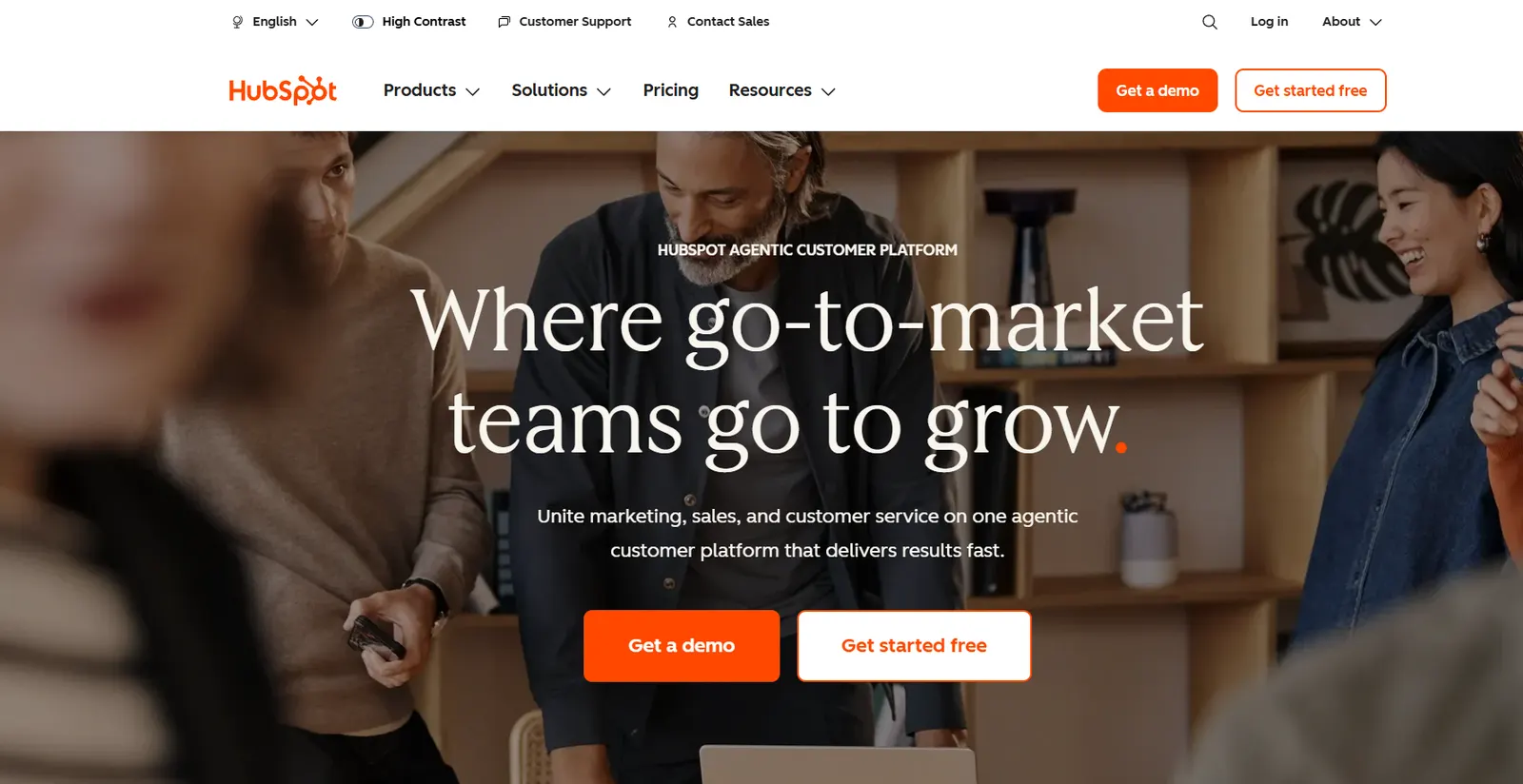
What HubSpot is
HubSpot is a CRM with marketing, sales and support built around it, and the reason it belongs on any list of AI business tools is simple: the free tier is a real product, not a trial.
Unlimited contacts, a working sales pipeline, forms, live chat and email tracking, permanently, for nothing. For a business currently tracking customers in a spreadsheet, that is the highest-value change available at zero cost.
HubSpot AI in 2026
The AI features are woven through the CRM rather than sitting in a separate tool: lead scoring that ranks prospects on likelihood to close, email and content drafting with your customer context already loaded, conversation summarisation for support tickets, and forecasting from your own pipeline data.
That context is the point. A general chatbot writes a good sales email; HubSpot writes one that knows what this customer bought last year.
Plans and pricing
| Plan | Price | Highlights |
|---|---|---|
| Free | $0 | Unlimited CRM, forms, live chat |
| Starter | $15/user/mo yearly, $20 monthly | Email marketing, basic automation, 1,000 contacts |
| Professional | $890/mo yearly, 3 users | Advanced automation, A/B testing, custom reporting |
| Enterprise | $3,600/mo yearly, 5 users | Large teams, advanced permissions, 10,000 contacts |
Look hard at that third row. The jump from Starter to Professional is from $15 to $890 a month, and it is where most complaints about HubSpot come from. There is no gentle middle step, so a business that outgrows Starter faces a sixty-fold price increase to get advanced reporting and automation.
Contact tiers add to this: as your marketing list grows, the price rises whether or not you use more features.
Hidden onboarding fees: Professional carries a mandatory $3,000 onboarding fee in the first year, and Enterprise carries a mandatory $7,000 one - neither is disclosed until checkout. Professional and Enterprise both require an annual commitment; there’s no month-to-month option at those tiers.
What the free CRM actually includes
Enough to run a small business: contact and company records, deal pipeline, tasks, email tracking and templates, forms, live chat, and basic reporting.
The limits are on volume and automation, not on the fundamentals. You will notice them when you want to automate a sequence, not when you want to track a customer.
HubSpot vs Salesforce vs Zoho
| HubSpot | Salesforce | Zoho | |
|---|---|---|---|
| Free plan | ★★★★★ | ★ | ★★★ |
| Ease of use | ★★★★★ | ★★★ | ★★★★ |
| Customisation | ★★★☆☆ | ★★★★★ | ★★★★☆ |
| Price at scale | ★★☆☆☆ | ★★☆☆☆ | ★★★★☆ |
Salesforce is more powerful and considerably harder, and it is the right answer for large sales organisations with dedicated administrators.
Zoho is the value option and stays cheaper as you grow, at the cost of a less polished experience.
HubSpot wins decisively at the small end and gets expensive fast in the middle.
Marketing automation
With paid plans, HubSpot lets you build complex automation flows:
- Automatic emails triggered by user behaviour
- Lead nurturing (email sequences to convert leads)
- Advanced contact segmentation
- Automatic A/B testing
- Workflows with conditions and branching
HubSpot’s AI automatically suggests the best times to send emails and which content performs best with each segment.
What users say
The pattern in reviews is consistent: users love the depth and the automation, and hate the price and the learning curve. The number one complaint is the jump between plans: from Starter ($20/mo) to Professional ($890/mo) is a 44x increase with no middle option. For small businesses that step is simply prohibitive.
Recurring bugs, slow loading, sync errors and slower-than-before support also show up repeatedly. The consensus: extremely powerful for growing mid-sized companies, overkill for freelancers and very small teams.
Who HubSpot is for
Ideal for:
- Startups and small businesses just starting with a CRM
- Sales teams that need a visual pipeline
- Digital marketing agencies
- B2B companies with long sales cycles
- Businesses that want to automate marketing without hiring developers
Not recommended if:
- You have a very large sales team (Salesforce is better)
- You only need a basic CRM without marketing (cheaper options exist)
- Your budget is very tight and you need advanced features
Verdict
For a small business or a freelancer, HubSpot’s free CRM is close to a no-brainer, and the 4.7 rating reflects that more than anything on the paid tiers. There is no reason to run your customer list in a spreadsheet when this exists.
Starter at $15/user/mo is fair value when you need email marketing and basic automation.
Where you should think hard is Professional. At $890/mo, compare it properly against Zoho and against assembling separate tools, because HubSpot’s own pricing ladder is its weakest point and the convenience of one platform is not always worth that step.
👉 The best AI tools for small businesses
👉 The best AI tools for business in 2026
👉 The 9 best AI tools for marketing
Community rating
Affiliate link - no extra cost to you