
What Synthesia is
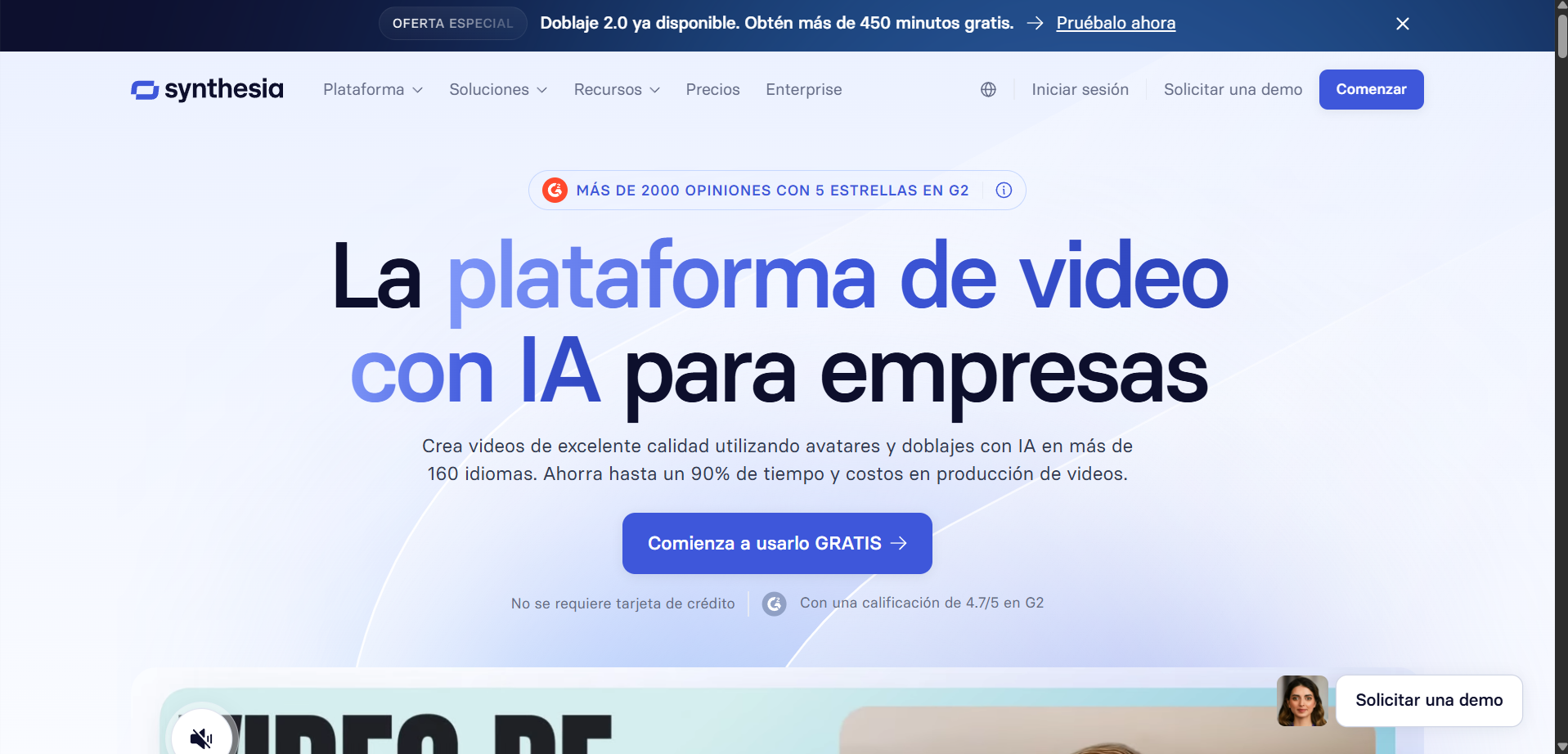
Synthesia turns a written script into a video of a presenter speaking it. No camera, no studio, no talent booking. You pick an avatar, paste the text, and it produces a finished video.
Its natural home is corporate training and e-learning, and that focus shows in everything from the avatar style to the SCORM export. Avatars run on the Express-2 engine (with Express-3 powering the newer Style Avatars, launched in July), adding full-body movement, hand gestures and micro-expressions at 1080p.
New: Synthesia 3.0 and Video Agents. The platform’s biggest 2026 update introduces Video Agents: an avatar inside the video itself that a viewer can have a real-time conversation with - it talks, listens and responds based on your own knowledge base, and can drop into live conversation mode at any point before handing back to the scripted track. It’s available for Enterprise customers, rolling out progressively through 2026; we haven’t been able to confirm the exact launch date and haven’t tested it ourselves yet.
Plans and pricing
| Plan | Price | What’s included |
|---|---|---|
| Free | $0 | 10 minutes of video a month, 9 avatars, watermarked |
| Starter | from $18/mo yearly, $29/mo monthly | No watermark, 125+ avatars, personal avatars included |
| Pro (formerly Creator) | from $64/mo yearly, $89/mo monthly | 180+ avatars, 5 personal avatars, API access |
| Enterprise | Custom, typically thousands per year | 240+ avatars, unlimited personal avatars, SSO/SAML, SCORM/LMS |
The free plan is a real trial rather than a demo: ten minutes a month is enough to produce a complete short video and judge whether the avatars work for your audience, watermark aside.
The feature that sells it: edit the script, not the video
This is what people underestimate. With a filmed video, changing one sentence means rebooking the talent and reshooting. With Synthesia you edit the line and regenerate.
For training material that goes stale - product names, prices, policies, compliance rules - this changes the economics completely. The value is not that the first video is cheaper. It is that the tenth revision is free.
Cross-lingual voice cloning
Clone a voice and Synthesia can have it speak languages the person does not speak. For a company producing the same onboarding video for offices in six countries, this collapses a genuinely expensive process into one script and six renders.
Synthesia vs HeyGen vs Descript
| Synthesia | HeyGen | Descript | |
|---|---|---|---|
| Entry price | $18/mo (Starter yearly) | Limited free plan, paid from ~$24/mo | Free, from $16/mo yearly |
| Main focus | Corporate training, e-learning | Marketing, social, creative video | Text-based video and audio editing |
| Avatar realism | High, consistent | High, more expressive for social | No avatars: edits real footage |
| Voice cloning | Yes, cross-lingual | Yes | Own synthetic voice (Overdub) |
| Enterprise integrations | SCORM, LMS, SSO on Enterprise | More limited | Not its focus |
The comparison is really about intent. Synthesia is built for L&D departments, HeyGen for marketers, Descript for people editing real recordings rather than generating fake ones.
Who Synthesia is for
HR and L&D teams: onboarding and training videos that get updated constantly without re-filming actors.
Course and e-learning creators: SCORM and LMS integration makes it easy to upload content directly to existing training platforms.
Internal communications teams: multilingual corporate announcements thanks to AI dubbing.
Not recommended if: you want creative video for social media with a less corporate look, or need to iterate heavily with several editors without the cost spiking per seat.
What users say
Synthesia holds a high Trustpilot rating (around 4.7/5 across thousands of reviews), and positive comments highlight how easy it is to use even without prior video experience, along with the quality of support material and onboarding help.
The most repeated complaints point to content moderation: several users describe an inconsistent, opaque process, with videos initially approved and later flagged or rejected without a clear explanation. Criticism also recurs over the avatar’s unnatural pronunciation on long sentences or technical vocabulary, long wait times for creating and reviewing custom avatars, and support that responds slowly when refunds or billing issues are involved.
Verdict
If you produce training or internal video at any volume, Synthesia pays for itself quickly, and the ability to revise by editing text is the reason.
If you want video for social media or advertising, HeyGen is the more natural fit. And if you already film real people and just want faster editing, Descript is a different and probably better answer.
Start on the free plan. Ten watermarked minutes will tell you whether an avatar is acceptable to your audience, which is the only question that really matters here.
👉 The best AI video generators in 2026
👉 ElevenLabs vs Descript vs Synthesia: which to choose
👉 All AI tool deals and discounts
Community rating
Affiliate link - no extra cost to you